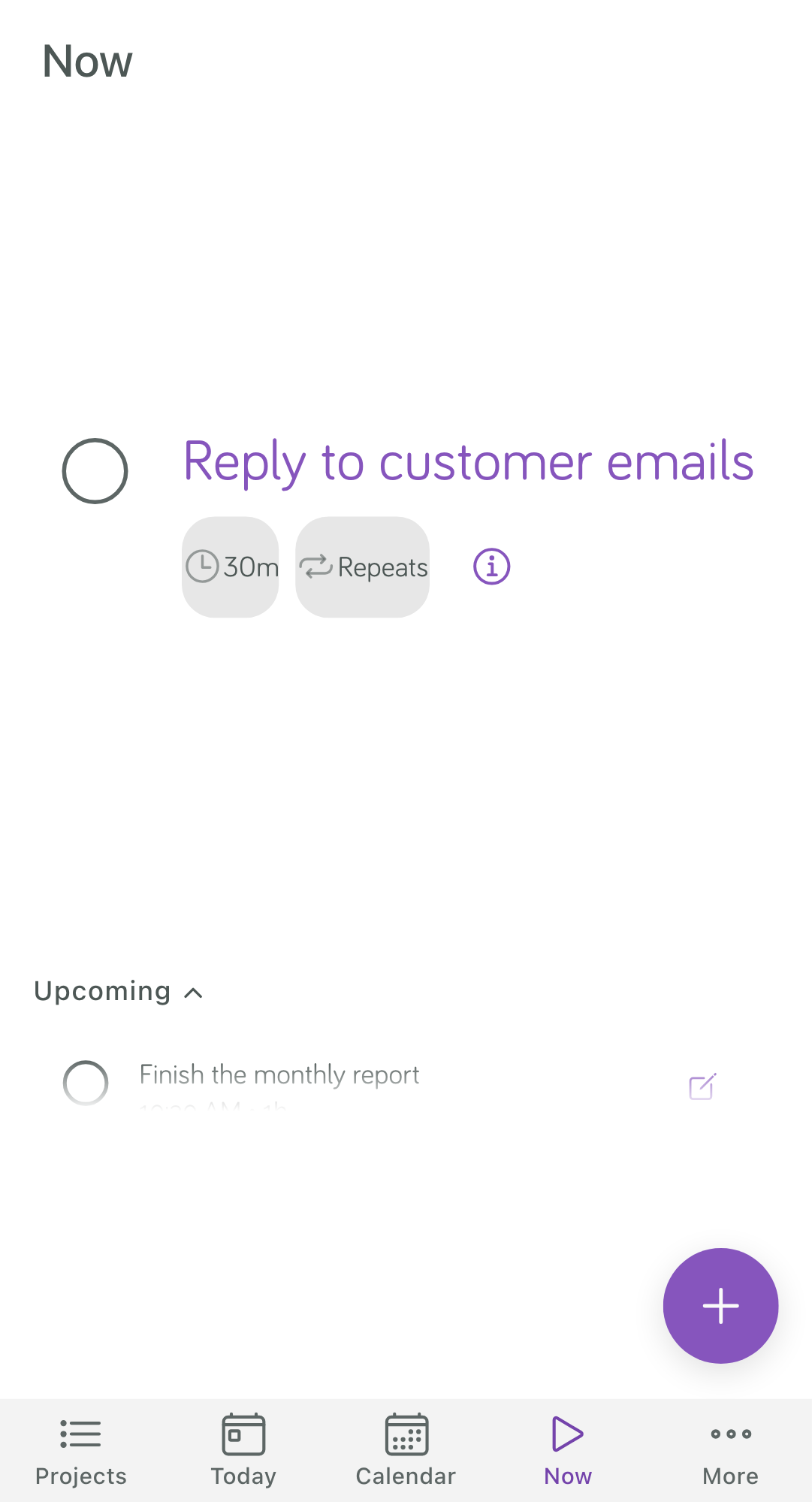
Use Focuster on your phone
Focuster works in the web browser on your phone. Go to the same address you use on your computer and sign in. Focuster sees the small screen and opens the phone layout.
If you make a browser window narrow on a computer (1000 pixels wide or less), Focuster also changes to the phone layout.
The tabs
The bar at the bottom has five tabs:
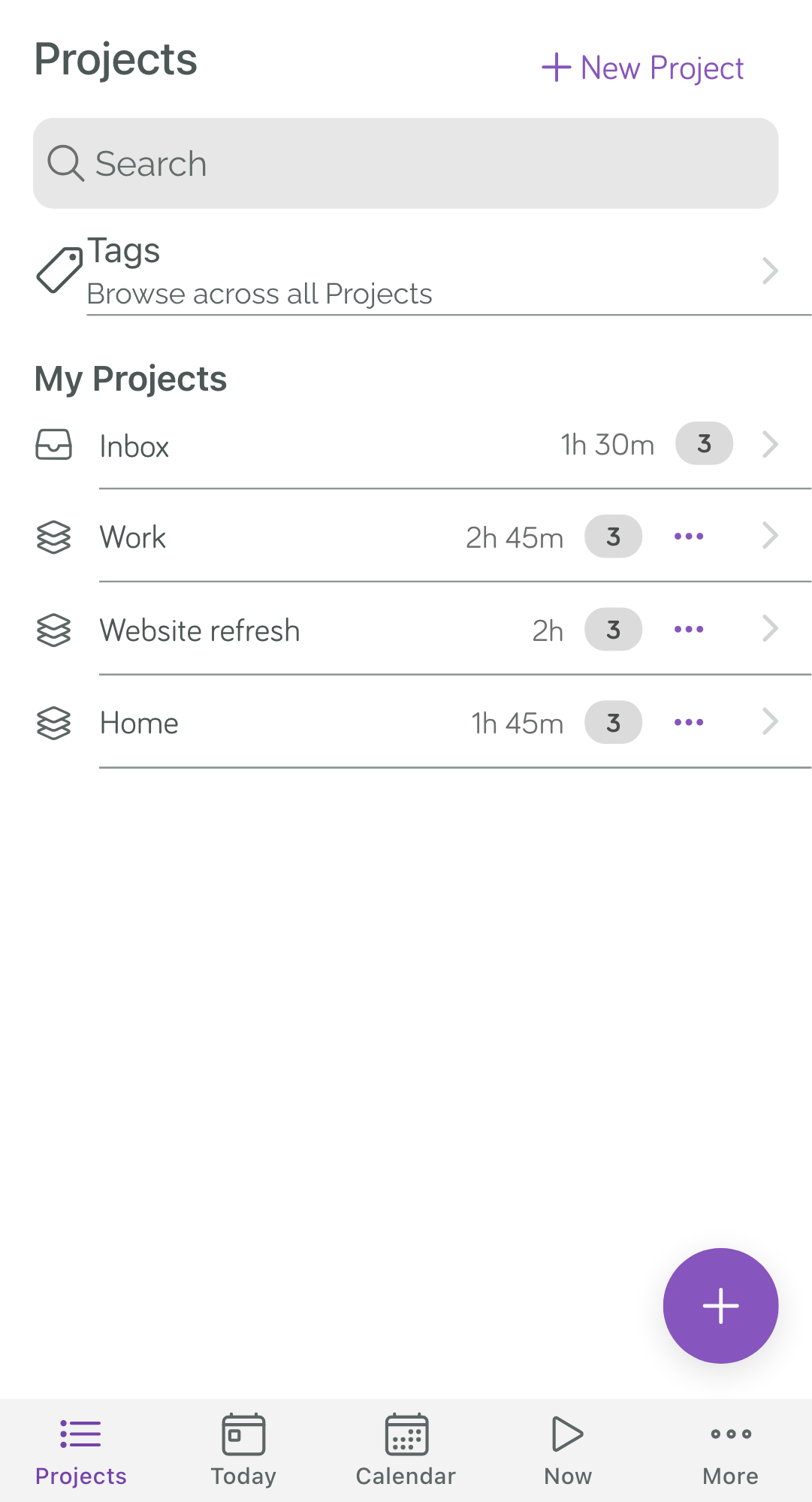
- Projects: the Inbox and your Projects.
- Today: the Day List for today.
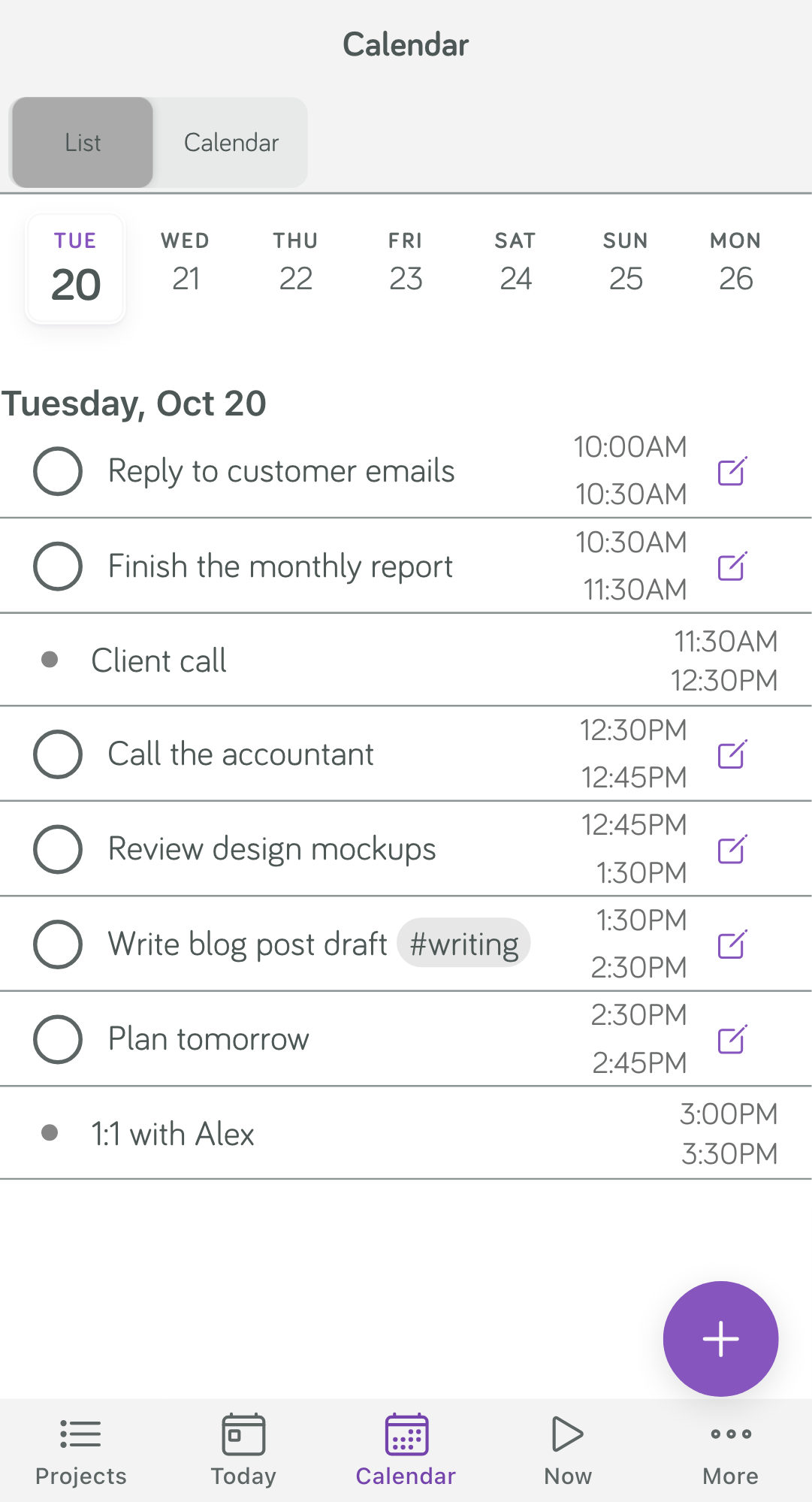
- Calendar: your events and scheduled Actions.
- Now: the Action to do next.
- More: Stats, Tags, Archive and Settings.
Plan today
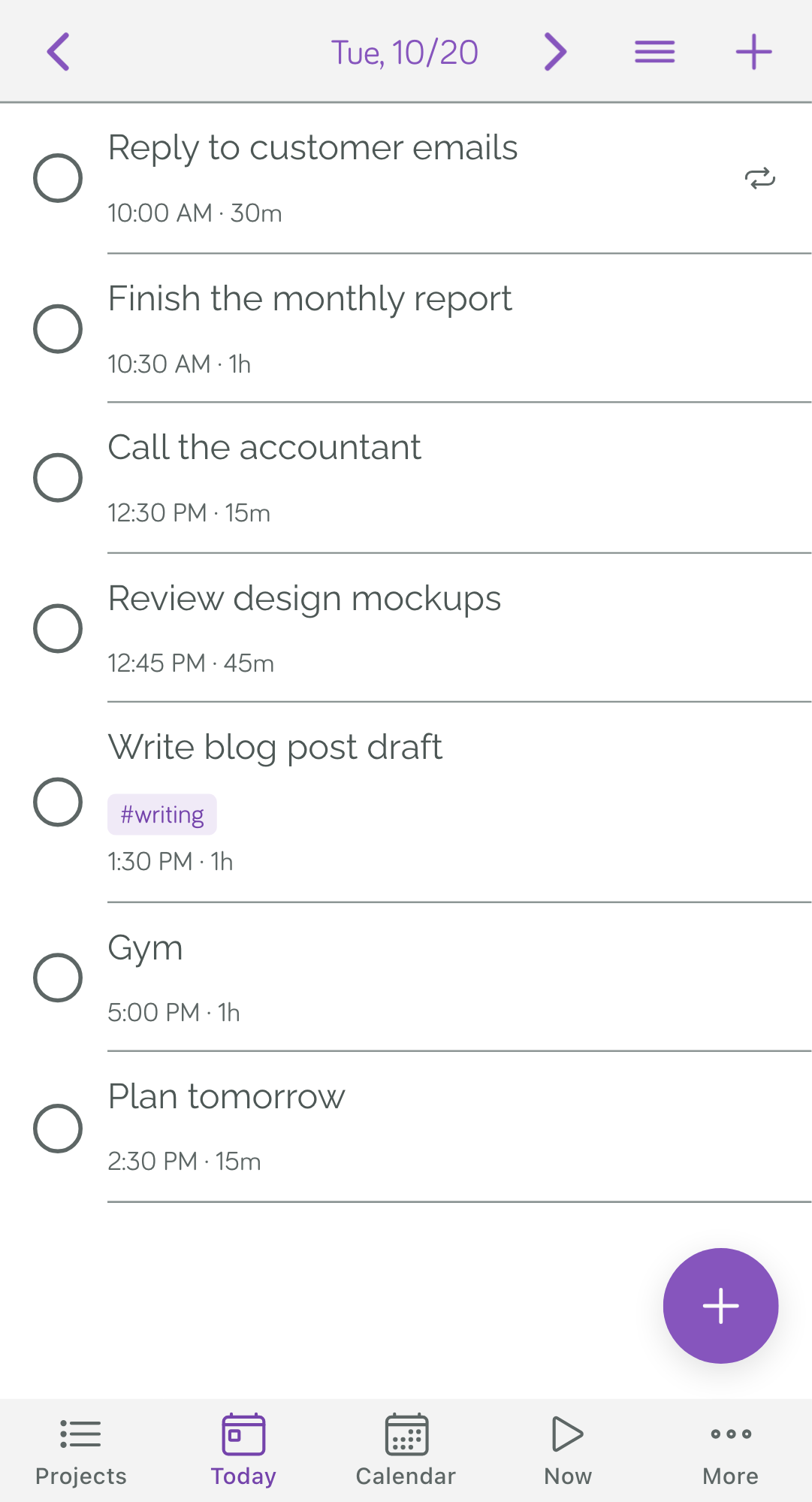
Today shows your Actions in priority order, with the time Focuster picked for each one. Use the arrows at the top to go to another day.
To change the order, tap the list button at the top. Then drag the Actions by their handles.
Add an Action
Tap the round + button at the bottom right. Type the title, set the duration and the day, then tap Save.
On a phone, the form has a field for each detail. Focuster does not read a day, time or duration from the title the way it does on a computer.
Work from Now
Tap Now to see only the next Action. Tap the circle when you finish it, and the next one moves up.