Set up a start time for a new action
When adding a new action to your list, simply type the time you want it to be scheduled for, and Focuster will automatically pin this action:
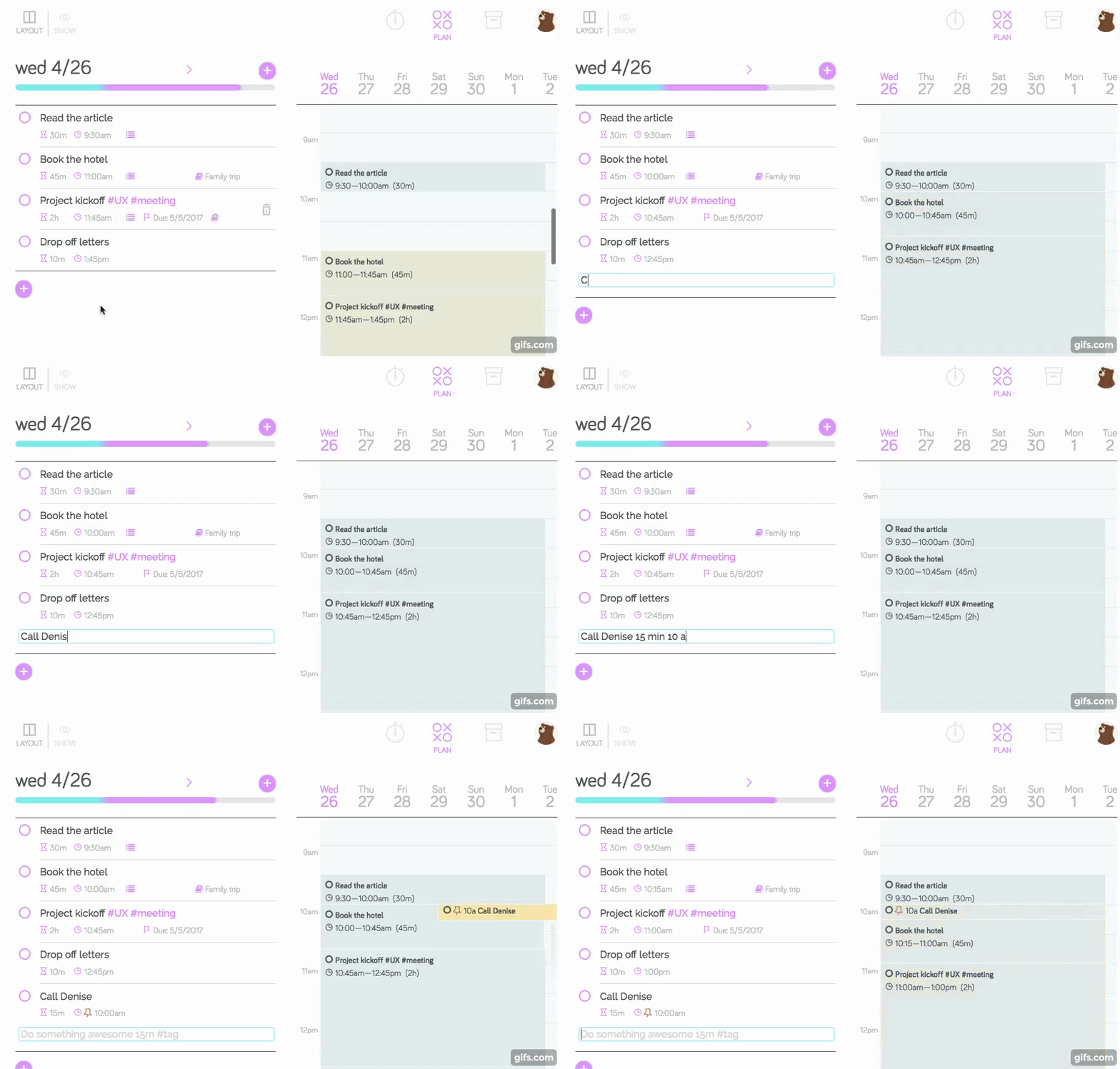
In this example, I've added the duration time (15min) and the start time (10 am).
Learn more about pinning actions in Focuster:
/action-list/article-449055